
best cdn for wordpress


Choosing the right CDN for WordPress can make a noticeable difference in your site’s speed, security, and reliability. A good CDN caches your static content across multiple servers worldwide, reducing load times for visitors no matter where they are. Not all CDNs are created equal, though—some offer better performance, easier integration, or more affordable pricing for WordPress users. The best option depends on your traffic, budget, and specific needs like DDoS protection or image optimization.
WordPress works well with most major CDNs, but a few stand out for their seamless setup, strong performance, and WordPress-specific features. Some focus on raw speed, while others provide extra tools like automated caching, security hardening, or real-time analytics. If you’re running a high-traffic site or an e-commerce store, the right CDN can also help handle spikes in visitors without slowing down. The key is finding one that balances cost, ease of use, and performance without overcomplicating your setup.
I’ve assembled a list below of the best options for a CDN for WordPress. Each has its strengths, so you can pick the one that fits your priorities.
📋 Table of Contents
1. Cloudflare
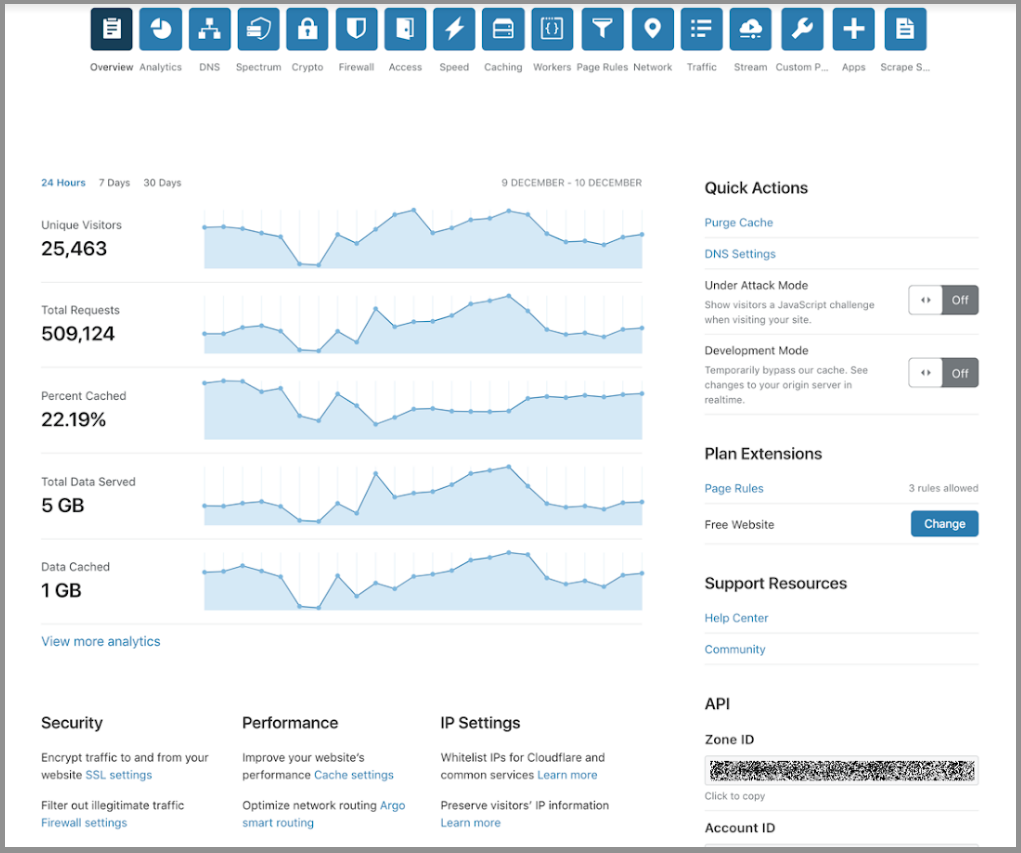
Cloudflare is one of the most popular and widely used CDN services for WordPress, known for its robust security features and global network. It acts as a reverse proxy, caching your website’s content across its vast network of data centers spread across more than 250 cities worldwide. This ensures that your visitors experience lightning-fast load times, regardless of their location. Cloudflare is particularly appealing because it offers a free plan that includes basic CDN services, DDoS protection, and SSL certificates, making it an excellent choice for bloggers, small businesses, and even larger enterprises looking to optimize performance without breaking the bank. Additionally, Cloudflare’s easy integration with WordPress through plugins like Cloudflare’s official plugin or WP Rocket makes it a hassle-free solution for users of all technical levels.
- Global Network: Over 250 data centers worldwide ensure low latency and fast content delivery for users everywhere.
- Free Plan Available: Offers a free tier with essential CDN features, DDoS protection, and SSL certificates, making it accessible for small websites.
- Security Features: Includes built-in DDoS protection, Web Application Firewall (WAF), and bot mitigation to keep your site secure.
- Easy WordPress Integration: Works seamlessly with WordPress through plugins like Cloudflare’s official plugin or caching plugins like WP Rocket.
- Automatic Optimization: Features like Auto Minify and Brotli compression help reduce file sizes and improve load times without manual configuration.
2. StackPath
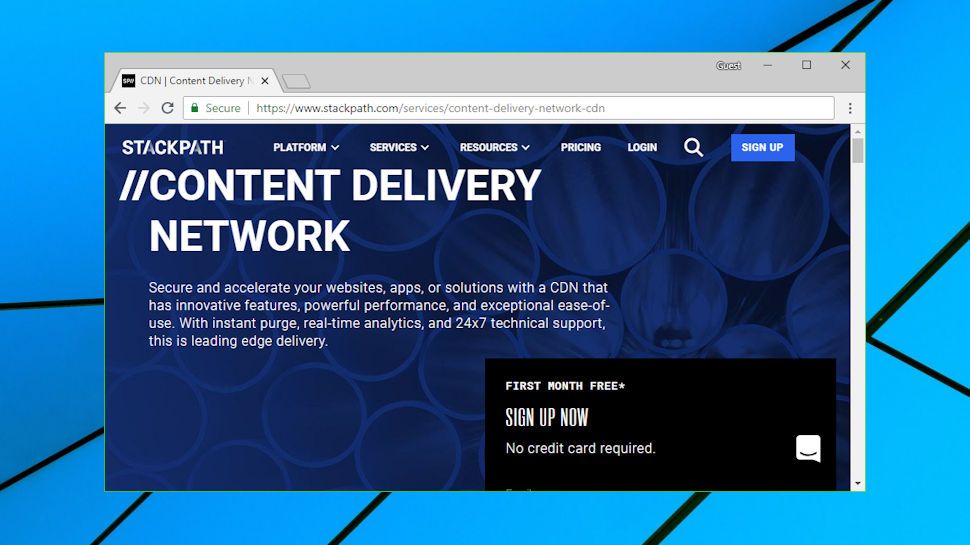
StackPath is a powerful CDN solution designed for performance and security, making it a great choice for WordPress users who need advanced features. It offers a global network of edge locations that deliver content quickly and efficiently, reducing latency and improving user experience. StackPath stands out for its edge computing capabilities, which allow you to run scripts and logic closer to your users, further enhancing performance. The platform also includes robust security features like DDoS protection, a Web Application Firewall (WAF), and SSL certificates. StackPath’s WordPress plugin simplifies integration, allowing you to manage CDN settings directly from your WordPress dashboard. It’s particularly well-suited for businesses, e-commerce sites, and high-traffic blogs that require reliable performance and security.
- Edge Computing: Allows you to run custom scripts and logic at the edge, reducing latency and improving performance for dynamic content.
- Global Edge Network: Over 50 edge locations worldwide ensure fast content delivery and low latency for users globally.
- Advanced Security: Includes DDoS protection, WAF, and SSL certificates to protect your site from threats and vulnerabilities.
- WordPress Plugin: Offers a dedicated WordPress plugin for easy integration and management of CDN settings.
- Real-Time Analytics: Provides detailed analytics and reporting to monitor performance, traffic, and security threats in real time.
3. BunnyCDN

BunnyCDN is a cost-effective and high-performance CDN solution that has gained popularity among WordPress users for its simplicity and affordability. It offers a pay-as-you-go pricing model, which means you only pay for the bandwidth you use, making it an excellent choice for small to medium-sized websites. BunnyCDN’s global network spans over 80 locations, ensuring fast content delivery and low latency for users worldwide. The platform is known for its ease of use, with a straightforward setup process and a user-friendly dashboard. BunnyCDN also includes features like image optimization, video streaming, and SSL support, making it a versatile option for WordPress sites. Its WordPress plugin simplifies integration, allowing you to enable the CDN with just a few clicks.
- Pay-As-You-Go Pricing: Affordable pricing model where you only pay for the bandwidth you use, making it budget-friendly for small sites.
- Global Network: Over 80 edge locations worldwide ensure fast and reliable content delivery.
- Image Optimization: Includes built-in image optimization to reduce file sizes and improve load times for images.
- Video Streaming: Supports video streaming with low latency, making it ideal for sites with video content.
- Easy WordPress Integration: Offers a WordPress plugin for quick and hassle-free setup, even for beginners.
4. KeyCDN

KeyCDN is a high-performance CDN service designed to deliver content quickly and efficiently to users around the world. It’s a favorite among WordPress users for its simplicity, affordability, and robust feature set. KeyCDN offers a global network of edge servers in over 40 locations, ensuring low latency and fast load times for your website. The platform includes features like HTTP/2 support, Gzip compression, and real-time analytics, which help optimize performance and monitor traffic. KeyCDN also integrates seamlessly with WordPress through plugins like WP Rocket and W3 Total Cache, making it easy to set up and manage. Its pay-as-you-go pricing model makes it accessible for small websites, while its scalability ensures it can handle high-traffic sites as well.
- Global Edge Network: Over 40 edge locations worldwide ensure fast content delivery and low latency for users globally.
- HTTP/2 Support: Supports the latest HTTP/2 protocol for faster and more efficient content delivery.
- Real-Time Analytics: Provides detailed analytics and reporting to monitor performance, traffic, and bandwidth usage in real time.
- Gzip Compression: Automatically compresses files to reduce their size and improve load times.
- WordPress Integration: Works seamlessly with WordPress caching plugins like WP Rocket and W3 Total Cache for easy setup.
5. Amazon CloudFront

Amazon CloudFront is a powerful and scalable CDN service offered by Amazon Web Services (AWS). It’s designed to deliver content with low latency and high transfer speeds, making it an excellent choice for WordPress sites with global audiences. CloudFront integrates seamlessly with other AWS services like S3, EC2, and Lambda, providing a comprehensive solution for hosting and delivering content. The platform offers advanced features like dynamic content caching, real-time analytics, and security features such as DDoS protection and SSL certificates. While CloudFront is more complex to set up compared to other CDNs, its scalability and reliability make it a top choice for enterprise-level WordPress sites. It’s particularly well-suited for high-traffic websites, e-commerce platforms, and applications that require robust performance and security.
- Global Network: Over 300 edge locations worldwide ensure fast content delivery and low latency for users globally.
- AWS Integration: Seamlessly integrates with other AWS services like S3, EC2, and Lambda for a comprehensive hosting solution.
- Dynamic Content Caching: Supports caching of dynamic content, improving performance for sites with frequently updated content.
- Advanced Security: Includes DDoS protection, SSL certificates, and AWS Shield for enhanced security.
- Real-Time Analytics: Provides detailed analytics and reporting to monitor performance, traffic, and security threats in real time.
6. Fastly
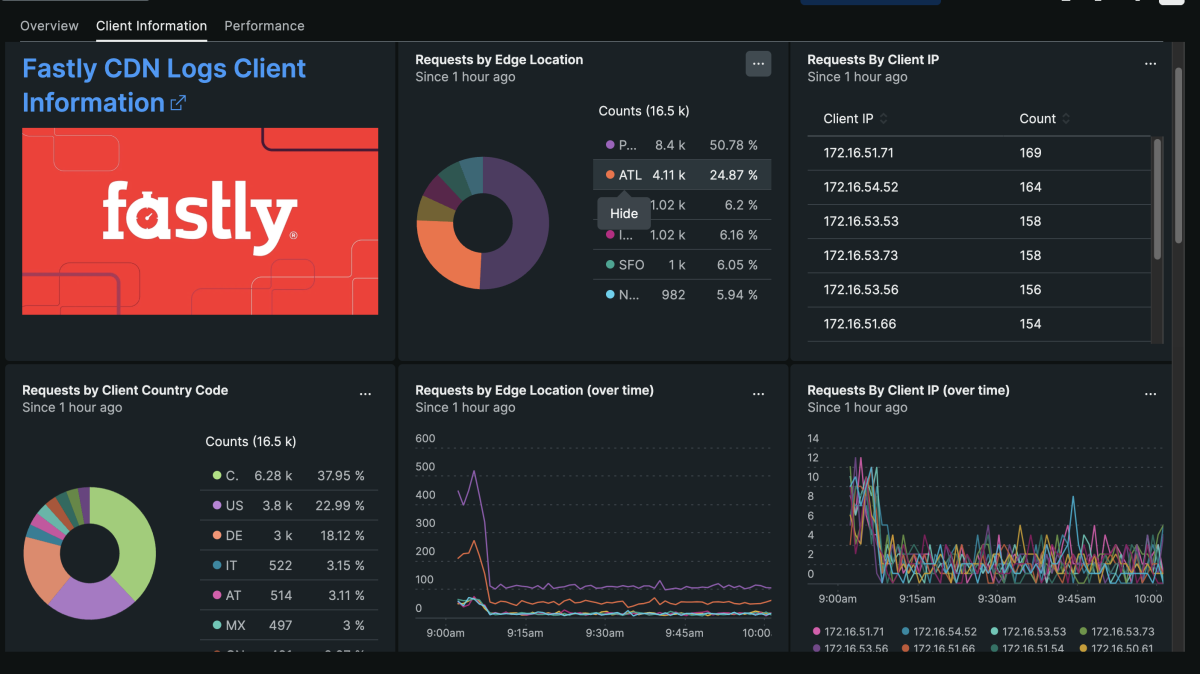
Fastly is a high-performance CDN service known for its real-time content delivery and edge computing capabilities. It’s designed for businesses and developers who need ultra-fast, scalable, and secure content delivery. Fastly’s global network of edge servers ensures low latency and high availability, making it an excellent choice for WordPress sites with dynamic content or high-traffic demands. The platform offers advanced features like instant purging, real-time analytics, and custom VCL (Varnish Configuration Language) for fine-tuning performance. Fastly is particularly well-suited for enterprise-level WordPress sites, e-commerce platforms, and applications that require real-time updates and high performance. While it’s more complex to set up than some other CDNs, its flexibility and power make it a top choice for developers and businesses with specific performance needs.
- Real-Time Content Delivery: Delivers content in real time, making it ideal for sites with dynamic or frequently updated content.
- Edge Computing: Allows you to run custom logic at the edge, reducing latency and improving performance for dynamic content.
- Instant Purging: Enables you to purge cached content instantly, ensuring users always see the latest updates.
- Custom VCL: Supports custom Varnish Configuration Language (VCL) for fine-tuning performance and caching rules.
- Advanced Security: Includes DDoS protection, WAF, and SSL certificates to protect your site from threats.
7. Sucuri
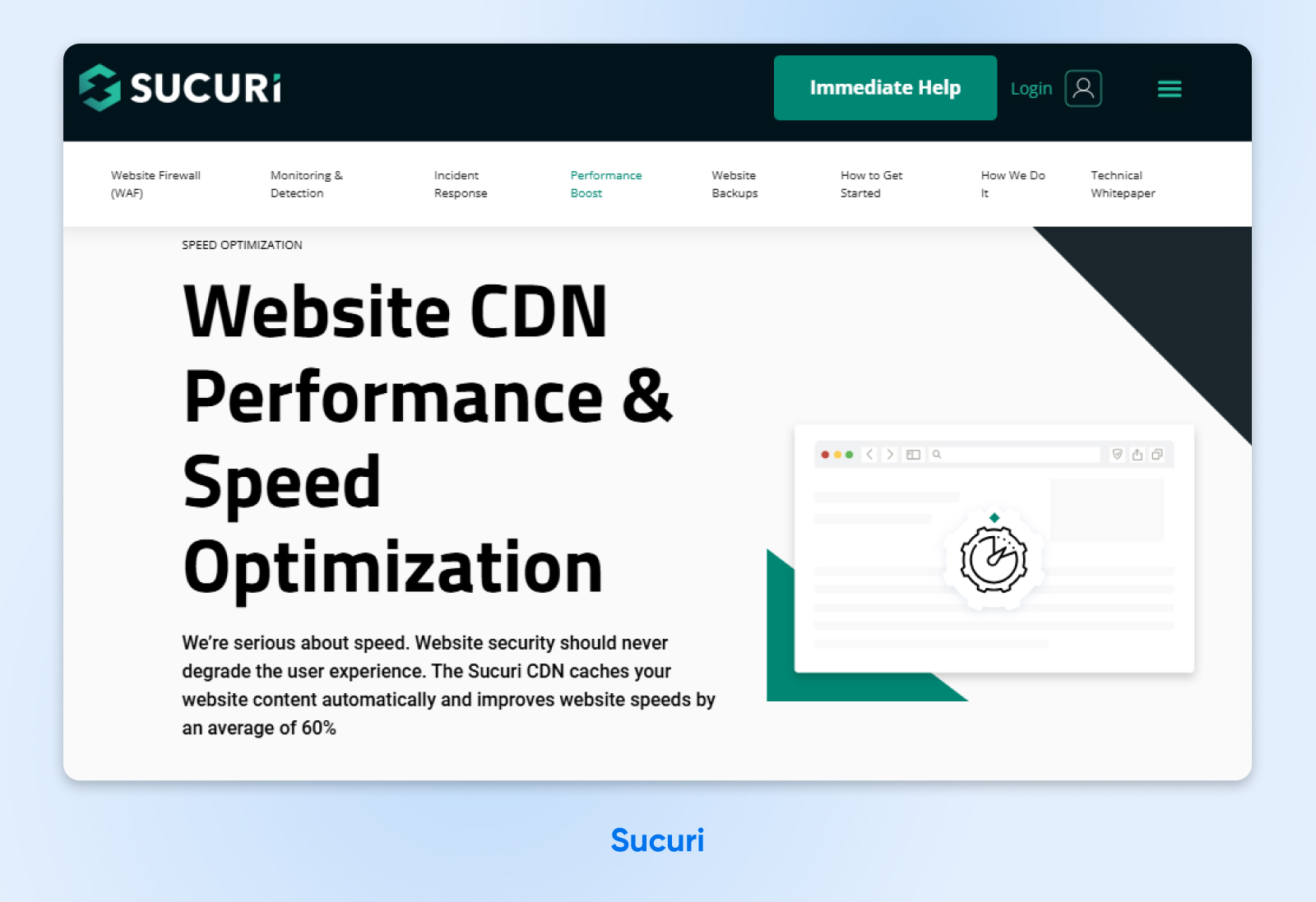
Sucuri is a well-known name in the WordPress community, primarily recognized for its security services. However, it also offers a powerful CDN solution that combines performance optimization with robust security features. Sucuri’s CDN is designed to accelerate your WordPress site while protecting it from threats like DDoS attacks, malware, and hacking attempts. The platform includes a global network of edge servers that deliver content quickly and efficiently, reducing latency and improving load times. Sucuri’s CDN is particularly appealing for WordPress users who prioritize security, as it includes features like a Web Application Firewall (WAF), malware scanning, and SSL certificates. The service is easy to set up and integrates seamlessly with WordPress, making it a great choice for bloggers, small businesses, and e-commerce sites.
- Global CDN Network: Over 10 edge locations worldwide ensure fast content delivery and low latency for users globally.
- Web Application Firewall (WAF): Protects your site from DDoS attacks, malware, and hacking attempts with a built-in WAF.
- Malware Scanning: Includes regular malware scanning to detect and remove threats before they affect your site.
- SSL Certificates: Provides free SSL certificates to secure your site and improve SEO rankings.
- Easy WordPress Integration: Offers a WordPress plugin for quick and hassle-free setup, even for beginners.
8. Jetpack Site Accelerator
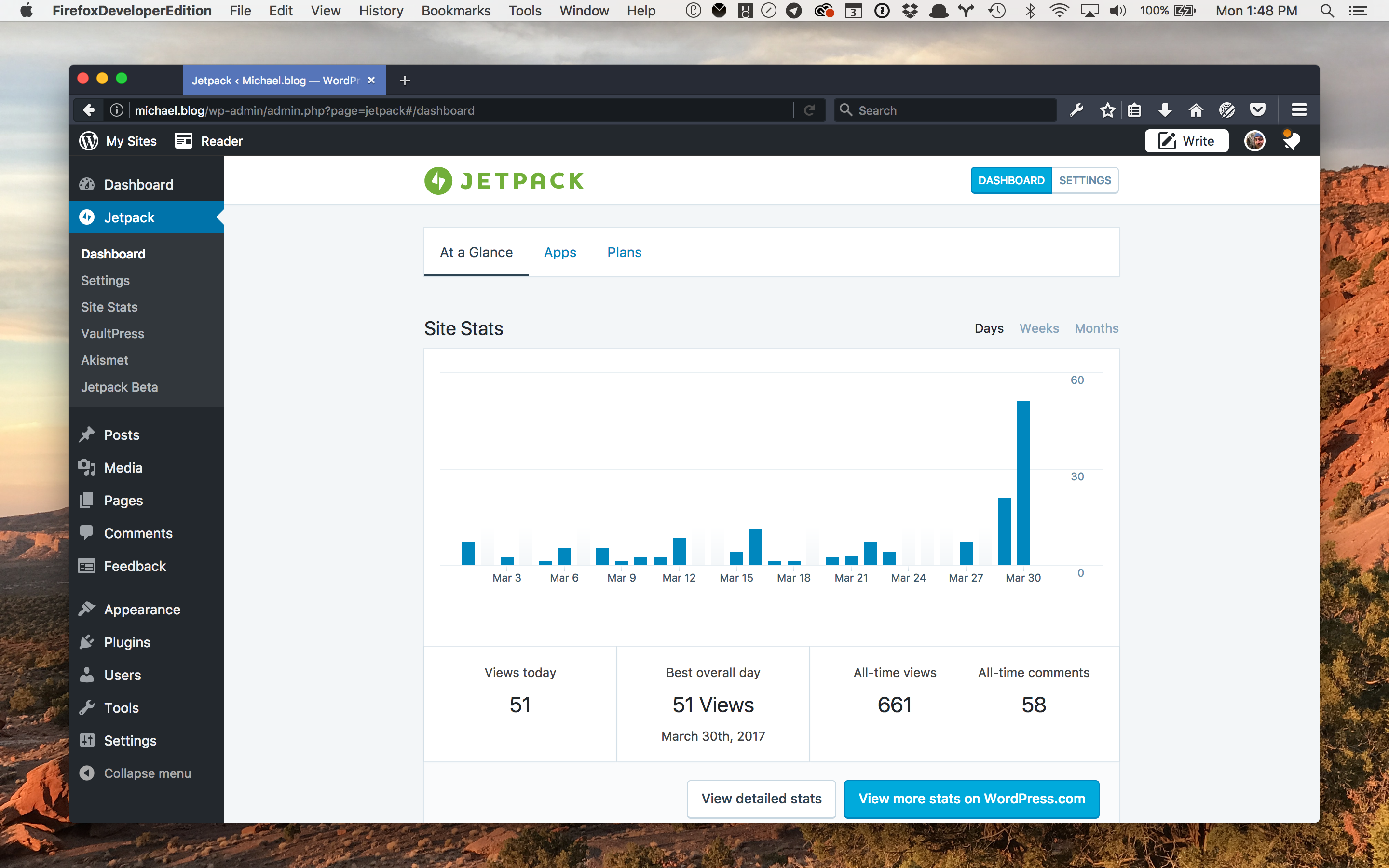
Jetpack Site Accelerator is a CDN service offered by Jetpack, a popular WordPress plugin that provides a suite of tools for security, performance, and growth. The Site Accelerator feature is designed to speed up your WordPress site by delivering images and static files (like CSS and JavaScript) from Jetpack’s global network of servers. This reduces the load on your hosting server and improves page load times for visitors. Jetpack Site Accelerator is particularly appealing for WordPress users who already use Jetpack, as it integrates seamlessly with the plugin and requires no additional setup. It’s a great choice for bloggers, small businesses, and anyone looking for a simple and effective way to boost their site’s performance without dealing with complex configurations.
- Image and Static File CDN: Delivers images and static files from Jetpack’s global network, reducing load times and server strain.
- Seamless WordPress Integration: Integrates directly with the Jetpack plugin, making it easy to enable and manage without additional setup.
- Free Plan Available: Offers a free plan that includes basic CDN features, making it accessible for small websites.
- Automatic Optimization: Automatically optimizes images and static files to improve performance without manual intervention.
- Global Network: Uses a global network of servers to ensure fast content delivery and low latency for users worldwide.
9. RocketCDN

RocketCDN is a CDN service offered by the creators of WP Rocket, one of the most popular WordPress caching plugins. It’s designed to be a simple and effective solution for WordPress users who want to improve their site’s performance without dealing with complex configurations. RocketCDN delivers your static content (like images, CSS, and JavaScript) from a global network of servers, reducing latency and improving load times for visitors. The service is particularly appealing for users who already use WP Rocket, as it integrates seamlessly with the plugin. RocketCDN is a great choice for bloggers, small businesses, and anyone looking for a hassle-free way to boost their site’s speed. Its straightforward pricing and easy setup make it accessible for users of all technical levels.
- Global Network: Uses a global network of servers to deliver static content quickly and efficiently, reducing latency for users worldwide.
- Seamless WP Rocket Integration: Integrates directly with WP Rocket, making it easy to enable and manage without additional setup.
- Simple Pricing: Offers a straightforward pricing model with no hidden fees, making it easy to budget for.
- Automatic Optimization: Automatically optimizes static files to improve performance without manual intervention.
- Easy Setup: Designed for simplicity, allowing users to enable the CDN with just a few clicks.
10. CDN77
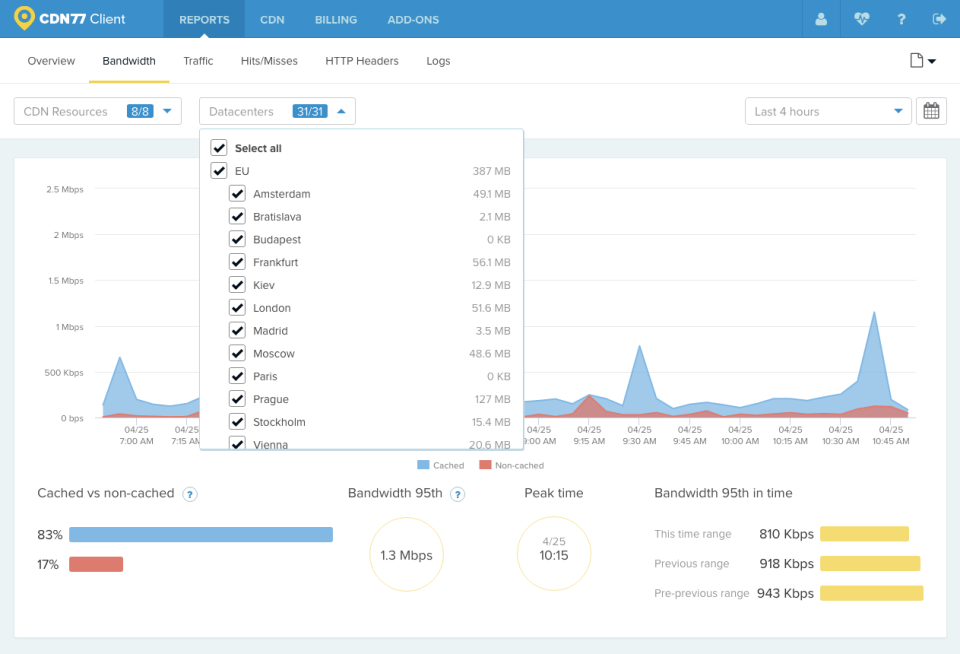
CDN77 is a high-performance CDN service that offers a global network of edge servers, making it an excellent choice for WordPress users who need fast and reliable content delivery. The platform is known for its simplicity, affordability, and robust feature set, which includes HTTP/2 support, real-time analytics, and advanced security features like DDoS protection and SSL certificates. CDN77 is particularly well-suited for businesses, e-commerce sites, and high-traffic blogs that require scalable and secure content delivery. The service offers a pay-as-you-go pricing model, which makes it accessible for small websites, while its scalability ensures it can handle the demands of larger sites. CDN77 also integrates seamlessly with WordPress through plugins like W3 Total Cache, making it easy to set up and manage.
- Global Edge Network: Over 30 edge locations worldwide ensure fast content delivery and low latency for users globally.
- HTTP/2 Support: Supports the latest HTTP/2 protocol for faster and more efficient content delivery.
- Real-Time Analytics: Provides detailed analytics and reporting to monitor performance, traffic, and bandwidth usage in real time.
- Advanced Security: Includes DDoS protection, SSL certificates, and token authentication to protect your site from threats.
- WordPress Integration: Works seamlessly with WordPress caching plugins like W3 Total Cache for easy setup and management.
Frequently Asked Questions
What is a CDN, and why do I need one for my WordPress site?
A CDN, or Content Delivery Network, is a network of servers distributed across the globe that work together to deliver your website’s content to users more quickly and efficiently. When a user visits your site, the CDN serves the content from the server closest to their location, reducing latency and improving load times. For WordPress sites, a CDN is especially beneficial because it helps handle traffic spikes, reduces the load on your hosting server, and improves the overall user experience. This is particularly important for sites with a global audience, as it ensures fast load times regardless of where your visitors are located. Additionally, many CDNs offer security features like DDoS protection and SSL certificates, which can help protect your site from threats.
How do I choose the best CDN for my WordPress site?
Choosing the best CDN for your WordPress site depends on several factors, including your budget, technical expertise, and specific needs. Here are some key considerations to help you make the right choice: 1) Performance: Look for a CDN with a global network of edge servers to ensure fast content delivery. 2) Ease of Use: If you’re not tech-savvy, opt for a CDN with a user-friendly dashboard and easy WordPress integration. 3) Pricing: Consider your budget and choose a CDN with a pricing model that fits your needs, whether it’s pay-as-you-go, monthly subscriptions, or free plans. 4) Security: If security is a priority, look for a CDN that offers features like DDoS protection, WAF, and SSL certificates. 5) Scalability: Ensure the CDN can handle your site’s traffic, especially if you expect growth in the future. 6) Support: Check if the CDN offers reliable customer support, especially if you’re new to using CDNs.
Can I use a free CDN for my WordPress site?
Yes, you can use a free CDN for your WordPress site, and many options are available, such as Cloudflare’s free plan or Jetpack Site Accelerator. Free CDNs are a great choice for small websites, blogs, or personal projects with limited traffic and budget. They offer basic CDN features like content delivery, DDoS protection, and SSL certificates, which can significantly improve your site’s performance and security. However, free CDNs often come with limitations, such as lower bandwidth allowances, fewer edge locations, or restricted features. If your site grows or requires more advanced features, you may need to upgrade to a paid plan. It’s also worth noting that some free CDNs may display ads or require you to use their branding, which could affect your site’s professionalism.
How do I set up a CDN on my WordPress site?
Setting up a CDN on your WordPress site is generally straightforward, especially if the CDN offers a dedicated WordPress plugin or integrates with popular caching plugins. Here’s a general step-by-step guide to help you get started: 1) Choose a CDN: Select a CDN that fits your needs and budget. 2) Sign Up: Create an account with the CDN provider and configure your settings. 3) Install a Plugin: If the CDN offers a WordPress plugin (e.g., Cloudflare, BunnyCDN), install and activate it. Alternatively, use a caching plugin like WP Rocket or W3 Total Cache that supports CDN integration. 4) Configure the CDN: Enter your CDN credentials (e.g., API key, CDN URL) into the plugin settings. 5) Test Your Site: After enabling the CDN, test your site to ensure everything is working correctly. Use tools like GTmetrix or Pingdom to check your site’s performance. 6) Monitor Performance: Keep an eye on your site’s performance and adjust settings as needed to optimize speed and security.
Will a CDN improve my WordPress site’s SEO?
Yes, using a CDN can improve your WordPress site’s SEO in several ways. First, faster load times are a key ranking factor for search engines like Google. A CDN reduces latency and improves page speed by delivering content from servers closest to your users, which can positively impact your search rankings. Second, many CDNs offer SSL certificates, which are essential for securing your site and improving its SEO. Google has confirmed that HTTPS is a ranking signal, so having an SSL certificate can give your site a boost in search results. Additionally, a CDN can help reduce bounce rates by improving user experience, which is another factor that search engines consider when ranking sites. Finally, some CDNs offer features like image optimization and lazy loading, which can further enhance your site’s performance and SEO.
What are the common issues I might face when using a CDN with WordPress?
While using a CDN with WordPress can significantly improve your site’s performance, you might encounter a few common issues. Here are some potential problems and how to address them: 1) Caching Issues: Sometimes, a CDN might cache outdated content, causing visitors to see old versions of your site. To fix this, clear your CDN cache or use a plugin that supports automatic cache purging. 2) Mixed Content Warnings: If your site uses HTTPS but some resources are loaded over HTTP, you might see mixed content warnings. Ensure all your resources (images, scripts, styles) are loaded over HTTPS. 3) Plugin Conflicts: Some WordPress plugins might not work well with certain CDNs. If you notice issues, try disabling plugins one by one to identify the conflict. 4) DNS Configuration: Incorrect DNS settings can prevent your CDN from working properly. Double-check your DNS records to ensure they’re configured correctly. 5) Performance Issues: If your site isn’t loading faster after enabling a CDN, check your CDN settings or consult the provider’s support team for assistance. 6) Security Concerns: Some CDNs might block legitimate traffic if their security settings are too strict. Adjust your CDN’s security settings to avoid false positives.
Is it necessary to use a CDN if my WordPress site is already fast?
Even if your WordPress site is already fast, using a CDN can still offer several benefits. First, a CDN can help reduce the load on your hosting server, which is especially useful if your site experiences traffic spikes. By offloading static content to the CDN’s edge servers, you can free up resources on your hosting server, ensuring consistent performance even during high-traffic periods. Second, a CDN can improve your site’s reliability and uptime by distributing content across multiple servers. If one server goes down, the CDN can automatically route traffic to another server, minimizing downtime. Third, a CDN can enhance your site’s security by providing features like DDoS protection, WAF, and SSL certificates. Finally, if your site has a global audience, a CDN can ensure fast load times for visitors regardless of their location, improving user experience and potentially boosting your SEO rankings.


