
best contact form plugin for wordpress


If you’re running a WordPress site, a solid contact form plugin is essential. It’s one of the simplest ways to let visitors reach you without exposing your email address or dealing with spam. The right plugin should be easy to set up, customizable enough to fit your needs, and reliable in delivering messages to your inbox. Some plugins offer basic functionality, while others pack in advanced features like conditional logic, payment integrations, or multi-step forms. The best choice depends on what you need—whether it’s a no-frills solution or something with more flexibility.
Not all contact form plugins are created equal. Some slow down your site, others lack proper support, and a few are just overcomplicated for what they do. You want something that balances performance, usability, and features without being bloated or expensive. The good news is there are plenty of well-built options out there, each with its own strengths. Whether you’re a small business, a blogger, or managing a larger site, there’s a plugin that’ll fit without causing headaches.
I’ve tested and compared the top contenders to narrow down the best options for different use cases. Below is a list of the best contact form plugins for WordPress right now.
📋 Table of Contents
1. WPForms
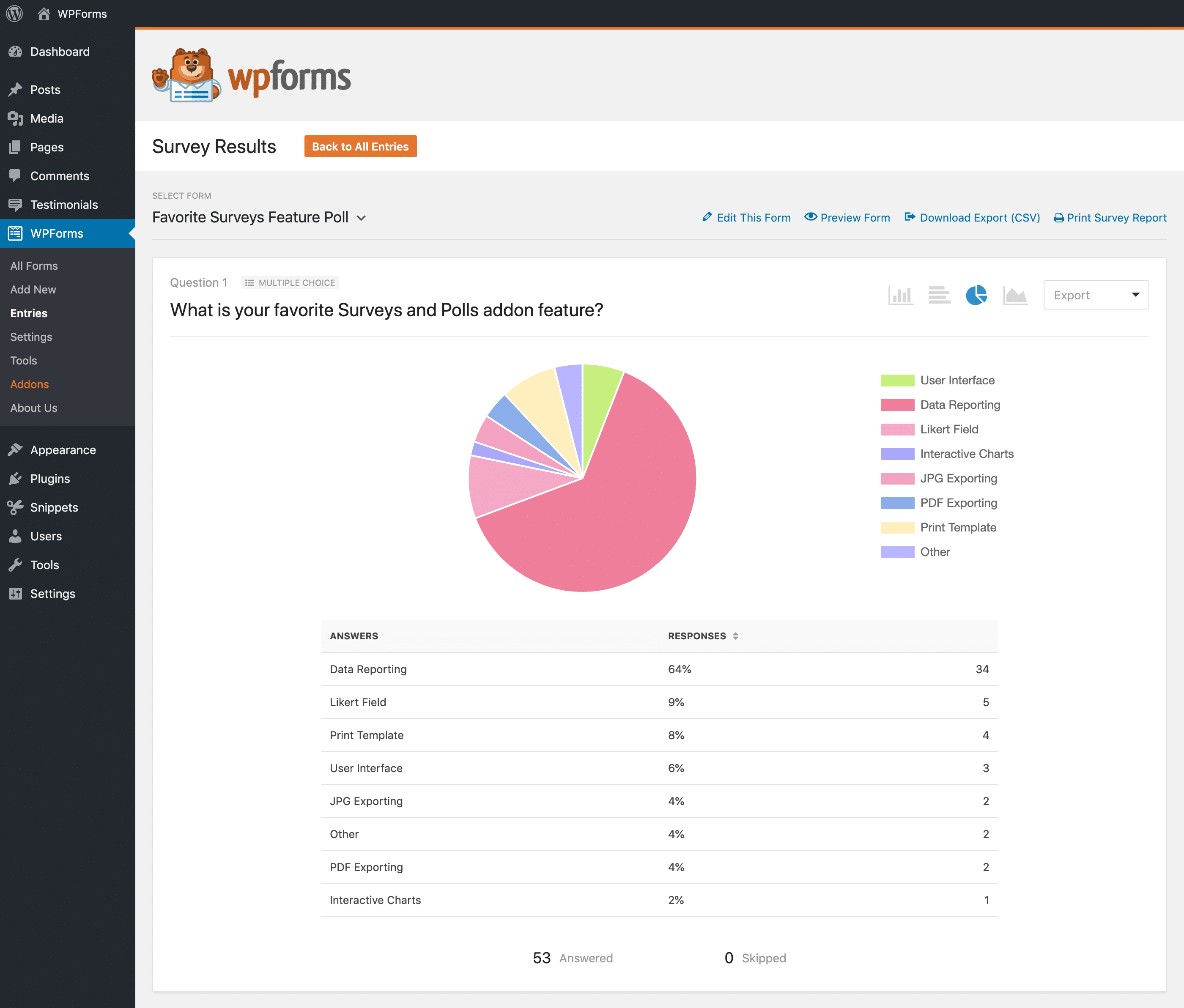
WPForms is one of the most popular and user-friendly contact form plugins for WordPress, trusted by over 5 million users. It’s designed with beginners in mind but packed with powerful features that even advanced users appreciate. The drag-and-drop form builder makes it incredibly easy to create contact forms, payment forms, survey forms, and more without any coding knowledge. WPForms also integrates seamlessly with popular email marketing services like Mailchimp, Constant Contact, and AWeber, making it a great choice for businesses looking to grow their email lists. The plugin is lightweight, fast, and optimized for performance, ensuring your forms don’t slow down your website. Whether you’re a blogger, small business owner, or developer, WPForms offers a flexible solution to meet your needs.
- Drag-and-Drop Builder: Easily create and customize forms with a simple drag-and-drop interface. No coding required.
- Pre-Built Templates: Access over 100 pre-built form templates for contact forms, payment forms, surveys, and more to save time.
- Mobile-Friendly: All forms are fully responsive and look great on any device, from desktops to smartphones.
- Spam Protection: Built-in CAPTCHA, hCaptcha, and reCAPTCHA to prevent spam submissions and keep your forms secure.
- Email Marketing Integrations: Connect with popular email marketing services like Mailchimp, Constant Contact, and Drip to grow your subscriber list.
2. Gravity Forms
Gravity Forms is a premium WordPress form plugin known for its advanced features and flexibility. It’s a favorite among developers and businesses that need more than just a simple contact form. With Gravity Forms, you can create complex forms with conditional logic, multi-page forms, file uploads, and even integrate with payment gateways like PayPal and Stripe. The plugin also supports advanced calculations, making it ideal for order forms, quizzes, and surveys. Gravity Forms is highly customizable, with a wide range of add-ons available to extend its functionality. While it has a steeper learning curve than some other plugins, its power and versatility make it a top choice for users who need more control over their forms.
- Conditional Logic: Show or hide form fields based on user responses, creating dynamic and interactive forms.
- Multi-Page Forms: Break long forms into multiple pages to improve user experience and reduce form abandonment.
- File Uploads: Allow users to upload files directly through your forms, such as resumes, images, or documents.
- Payment Integrations: Integrate with PayPal, Stripe, and other payment gateways to accept payments through your forms.
- Developer-Friendly: Extensive hooks and filters for developers to customize and extend the plugin’s functionality.
3. Ninja Forms
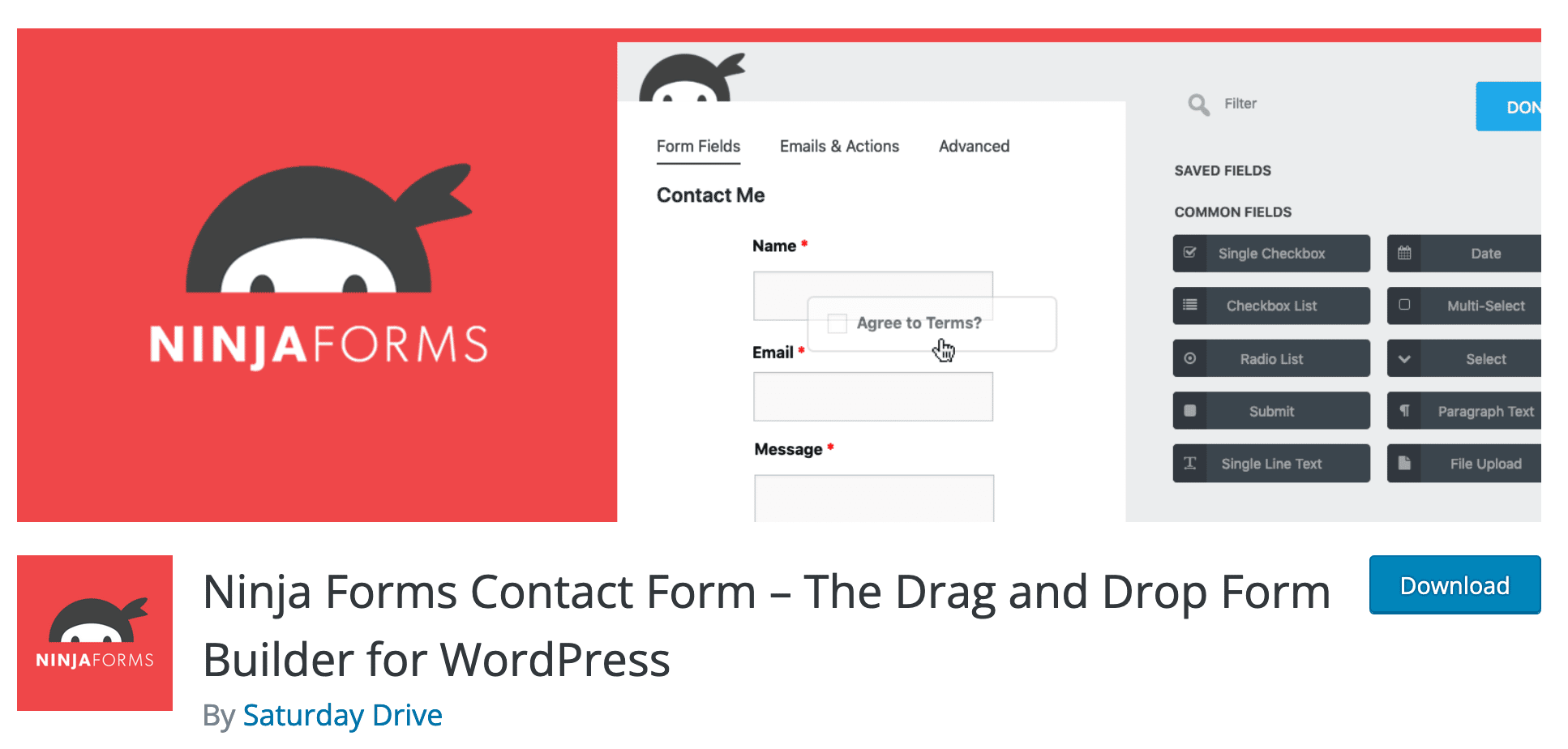
Ninja Forms is a flexible and extensible WordPress form plugin that offers both free and premium versions. It’s known for its ease of use and modular approach, allowing users to add only the features they need. The free version includes basic form-building capabilities, while the premium add-ons unlock advanced features like conditional logic, file uploads, and payment integrations. Ninja Forms is a great choice for users who want a lightweight plugin that can grow with their needs. The plugin also offers a front-end posting feature, which allows users to submit posts or custom post types directly from a form. With a clean and intuitive interface, Ninja Forms is suitable for beginners and advanced users alike.
- Modular Add-Ons: Extend functionality with premium add-ons for conditional logic, file uploads, and more.
- Front-End Posting: Allow users to submit posts, pages, or custom post types directly from a form.
- Multi-Part Forms: Create multi-step forms to improve user experience and increase completion rates.
- Email Marketing Integrations: Connect with email marketing services like Mailchimp, Campaign Monitor, and ActiveCampaign.
- Developer-Friendly: Extensive documentation and hooks for developers to customize and extend the plugin.
4. Formidable Forms

Formidable Forms is a powerful WordPress form plugin designed for users who need advanced form-building capabilities. It’s particularly well-suited for creating complex forms like calculators, directories, and data-driven applications. The plugin includes a drag-and-drop builder, conditional logic, and the ability to create multi-page forms. One of its standout features is the ability to display form data on the front end of your website, making it ideal for directories, event listings, and user-generated content. Formidable Forms also integrates with popular email marketing services and payment gateways, making it a versatile tool for businesses. While it’s more advanced than some other plugins, its flexibility and power make it a top choice for users who need more than just a simple contact form.
- Advanced Calculations: Create forms with calculations, such as loan calculators, price estimators, and more.
- Front-End Data Display: Display form submissions as directories, listings, or custom post types on your website.
- Conditional Logic: Show or hide fields based on user responses to create dynamic forms.
- Multi-Page Forms: Break long forms into multiple pages to improve user experience and reduce abandonment.
- Payment Integrations: Integrate with PayPal, Stripe, and Authorize.Net to accept payments through your forms.
5. Contact Form 7

Contact Form 7 is one of the oldest and most widely used free contact form plugins for WordPress. It’s a simple and lightweight plugin that allows users to create and manage multiple contact forms with ease. While it lacks some of the advanced features found in premium plugins, its simplicity and reliability make it a popular choice for users who need a basic contact form. Contact Form 7 supports CAPTCHA, Akismet spam filtering, and Ajax-powered submissions, ensuring your forms are secure and user-friendly. The plugin is highly customizable, with a wide range of third-party add-ons available to extend its functionality. However, it does require some basic HTML knowledge to customize forms, which may be a drawback for beginners.
- Simple and Lightweight: A no-frills plugin that focuses on providing a basic contact form without unnecessary bloat.
- Multiple Form Support: Create and manage multiple contact forms on your website with ease.
- Spam Protection: Integrates with CAPTCHA and Akismet to prevent spam submissions.
- Ajax-Powered Submissions: Forms submit without page reloads, providing a smoother user experience.
- Extensible with Add-Ons: A wide range of third-party add-ons are available to extend functionality, such as file uploads and conditional logic.
6. Fluent Forms

Fluent Forms is a relatively new but rapidly growing WordPress form plugin that offers a modern and intuitive interface. It’s designed to be fast, lightweight, and easy to use, with a focus on performance and user experience. The plugin includes a drag-and-drop form builder, conditional logic, multi-step forms, and integrations with popular email marketing services and payment gateways. Fluent Forms also offers advanced features like conversational forms, which create a chat-like experience for users, and form scheduling, which allows you to control when forms are available. The plugin is a great choice for users who want a powerful yet user-friendly form builder without the complexity of some other plugins.
- Conversational Forms: Create chat-like forms that guide users through the submission process for a more engaging experience.
- Conditional Logic: Show or hide fields based on user responses to create dynamic and interactive forms.
- Multi-Step Forms: Break long forms into multiple steps to improve user experience and reduce abandonment.
- Form Scheduling: Control when forms are available to users, such as setting start and end dates for submissions.
- Email Marketing Integrations: Connect with popular email marketing services like Mailchimp, ConvertKit, and ActiveCampaign.
7. HappyForms
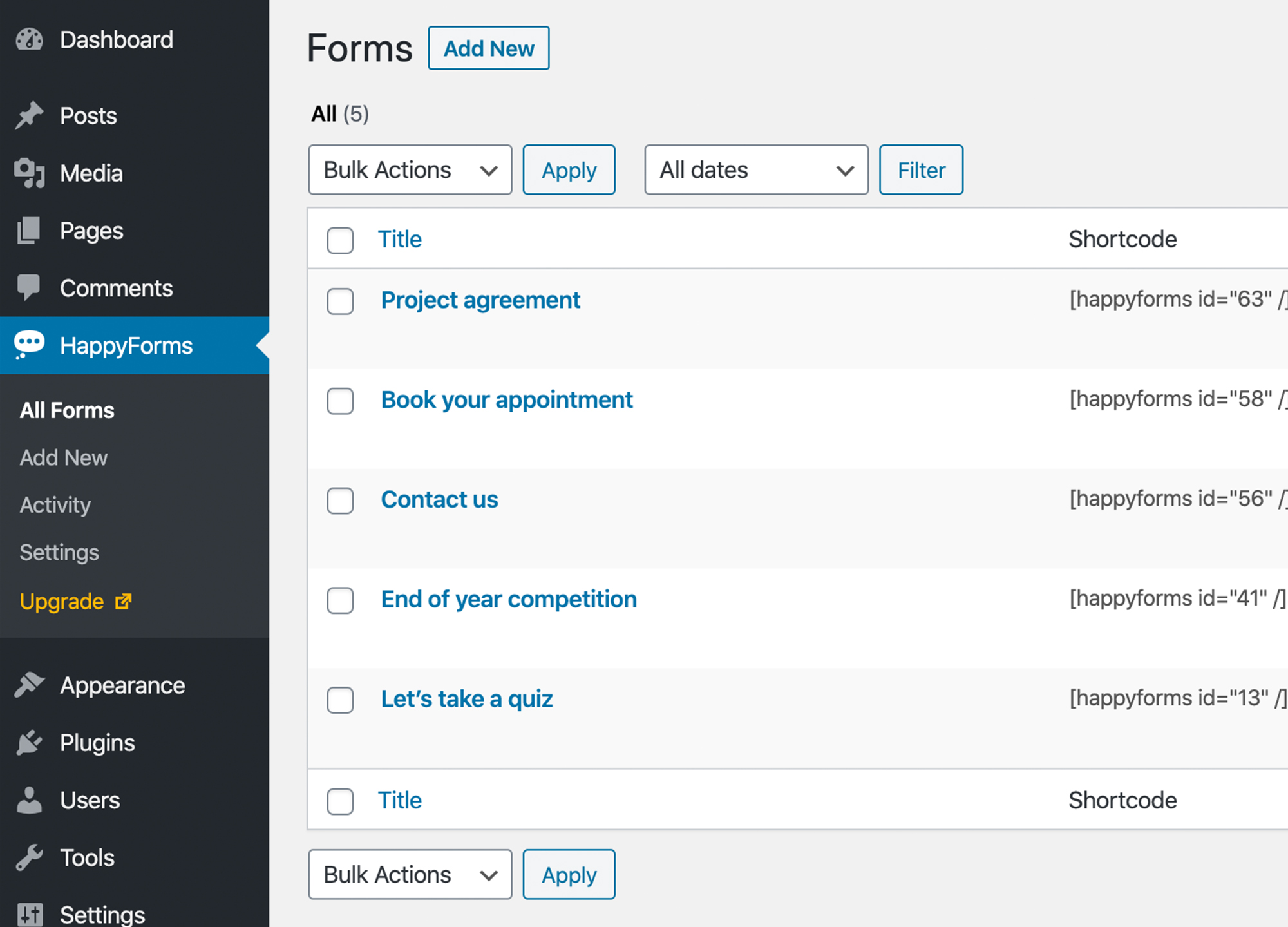
HappyForms is a user-friendly WordPress form plugin that focuses on simplicity and ease of use. It’s designed to help users create beautiful, responsive forms without any coding knowledge. The plugin includes a drag-and-drop builder, pre-built form templates, and real-time previews, making it easy to customize forms to match your website’s design. HappyForms also offers advanced features like conditional logic, file uploads, and integrations with email marketing services. One of its standout features is the ability to create conversational forms, which provide a more engaging and interactive experience for users. HappyForms is a great choice for bloggers, small businesses, and anyone who wants a simple yet powerful form builder.
- Drag-and-Drop Builder: Easily create and customize forms with a simple drag-and-drop interface.
- Conversational Forms: Create chat-like forms that guide users through the submission process for a more engaging experience.
- Real-Time Previews: See how your form will look on the front end as you build it, ensuring a perfect design every time.
- Conditional Logic: Show or hide fields based on user responses to create dynamic and interactive forms.
- Email Marketing Integrations: Connect with popular email marketing services like Mailchimp, ConvertKit, and ActiveCampaign.
8. Everest Forms
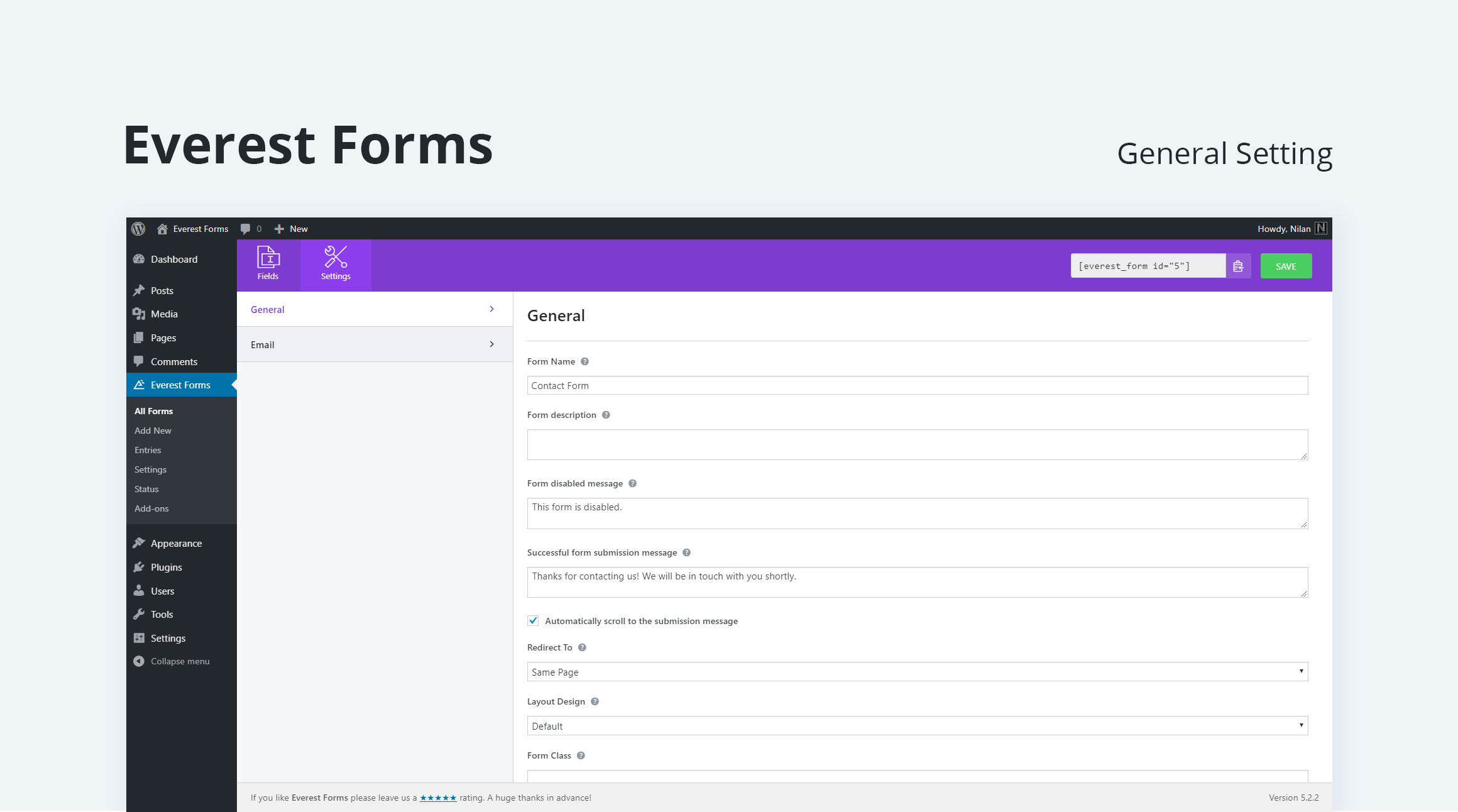
Everest Forms is a lightweight and easy-to-use WordPress form plugin that offers both free and premium versions. It’s designed to help users create beautiful, responsive forms quickly and easily. The plugin includes a drag-and-drop builder, pre-built form templates, and advanced features like conditional logic, multi-part forms, and file uploads. Everest Forms also integrates with popular email marketing services and payment gateways, making it a versatile tool for businesses. One of its standout features is the ability to create surveys and polls, which can be useful for gathering feedback from your audience. The plugin is a great choice for users who want a simple yet powerful form builder without the complexity of some other plugins.
- Drag-and-Drop Builder: Easily create and customize forms with a simple drag-and-drop interface.
- Pre-Built Templates: Access a variety of pre-built form templates to save time and get started quickly.
- Conditional Logic: Show or hide fields based on user responses to create dynamic and interactive forms.
- Multi-Part Forms: Break long forms into multiple parts to improve user experience and reduce abandonment.
- Survey and Poll Features: Create surveys and polls to gather feedback from your audience and analyze responses.
9. weForms
weForms is a modern and intuitive WordPress form plugin that offers a range of features for creating and managing forms. It’s designed to be fast, lightweight, and easy to use, with a focus on performance and user experience. The plugin includes a drag-and-drop builder, conditional logic, multi-step forms, and integrations with popular email marketing services and payment gateways. weForms also offers advanced features like form scheduling, which allows you to control when forms are available, and front-end posting, which enables users to submit posts or custom post types directly from a form. The plugin is a great choice for users who want a powerful yet user-friendly form builder without the complexity of some other plugins.
- Drag-and-Drop Builder: Easily create and customize forms with a simple drag-and-drop interface.
- Conditional Logic: Show or hide fields based on user responses to create dynamic and interactive forms.
- Multi-Step Forms: Break long forms into multiple steps to improve user experience and reduce abandonment.
- Form Scheduling: Control when forms are available to users, such as setting start and end dates for submissions.
- Front-End Posting: Allow users to submit posts, pages, or custom post types directly from a form.
10. Caldera Forms

Caldera Forms is a powerful and flexible WordPress form plugin that offers a range of advanced features for creating complex forms. It’s designed for users who need more than just a simple contact form, with features like conditional logic, calculations, and multi-page forms. Caldera Forms also includes a drag-and-drop builder, making it easy to create and customize forms without any coding knowledge. The plugin integrates with popular email marketing services and payment gateways, making it a versatile tool for businesses. One of its standout features is the ability to create forms with calculations, such as order forms, quizzes, and surveys. Caldera Forms is a great choice for users who need a powerful and customizable form builder.
- Conditional Logic: Show or hide fields based on user responses to create dynamic and interactive forms.
- Calculations: Create forms with calculations, such as order forms, quizzes, and surveys.
- Multi-Page Forms: Break long forms into multiple pages to improve user experience and reduce abandonment.
- Drag-and-Drop Builder: Easily create and customize forms with a simple drag-and-drop interface.
- Payment Integrations: Integrate with PayPal, Stripe, and other payment gateways to accept payments through your forms.
Frequently Asked Questions
What is the best free contact form plugin for WordPress?
The best free contact form plugin for WordPress depends on your needs. Contact Form 7 is the most popular free option, known for its simplicity and reliability. It’s a great choice for users who need a basic contact form without advanced features. WPForms Lite is another excellent free option, offering a drag-and-drop builder and pre-built templates, making it more user-friendly than Contact Form 7. If you need a lightweight and modular plugin, Ninja Forms is also a solid choice. Each of these plugins has its strengths, so consider your specific requirements before choosing one.
Do I need a premium contact form plugin for my WordPress site?
Whether you need a premium contact form plugin depends on the complexity of your forms and the features you require. If you only need a basic contact form, a free plugin like Contact Form 7 or WPForms Lite may be sufficient. However, if you need advanced features like conditional logic, multi-step forms, payment integrations, or email marketing integrations, a premium plugin like WPForms, Gravity Forms, or Formidable Forms may be worth the investment. Premium plugins also often come with better support and regular updates, which can be valuable for businesses and professional websites.
How do I choose the right contact form plugin for my WordPress site?
Choosing the right contact form plugin for your WordPress site involves considering several factors. First, think about the type of forms you need to create. If you only need a simple contact form, a free plugin like Contact Form 7 may be sufficient. If you need advanced features like conditional logic, multi-step forms, or payment integrations, consider a premium plugin like WPForms or Gravity Forms. Next, consider ease of use. If you’re a beginner, look for a plugin with a drag-and-drop builder and pre-built templates. Finally, think about integrations. If you use email marketing services or payment gateways, choose a plugin that integrates with them. Reading reviews and testing free versions can also help you make an informed decision.
Can I use a contact form plugin to collect payments on my WordPress site?
Yes, many contact form plugins for WordPress allow you to collect payments through your forms. Premium plugins like WPForms, Gravity Forms, and Formidable Forms offer integrations with popular payment gateways like PayPal, Stripe, and Authorize.Net. These plugins allow you to create order forms, donation forms, and other payment-related forms with ease. Some plugins also support recurring payments, making them ideal for subscription-based services. If you need to collect payments through your forms, be sure to choose a plugin that offers payment integrations and supports the payment gateways you use.
How do I prevent spam submissions on my WordPress contact forms?
Preventing spam submissions on your WordPress contact forms is essential for maintaining the integrity of your website. Most contact form plugins offer built-in spam protection features, such as CAPTCHA, hCaptcha, and reCAPTCHA. These tools help verify that submissions are coming from real users and not bots. Additionally, you can use plugins like Akismet to filter out spam submissions automatically. Another effective method is to use a honeypot field, which is a hidden field that bots fill out but humans don’t see. This helps catch spam submissions without requiring users to complete a CAPTCHA. Finally, consider using a plugin that offers IP blocking or rate limiting to prevent repeated spam submissions from the same source.
Are contact form plugins compatible with page builders like Elementor or Divi?
Yes, most contact form plugins are compatible with popular page builders like Elementor, Divi, and Beaver Builder. Many plugins offer dedicated widgets or modules that allow you to easily add forms to your pages built with these builders. For example, WPForms and Gravity Forms both offer Elementor widgets, making it simple to drag and drop forms into your Elementor-designed pages. If you’re using a page builder, be sure to check the plugin’s documentation or website to confirm compatibility. Some plugins may require additional add-ons or integrations to work seamlessly with page builders, so it’s always a good idea to test the integration before committing to a plugin.
How do I customize the design of my WordPress contact forms?
Customizing the design of your WordPress contact forms can be done in several ways, depending on the plugin you’re using. Most premium plugins like WPForms, Gravity Forms, and Formidable Forms offer built-in styling options that allow you to change colors, fonts, and layouts without any coding. Some plugins also provide CSS classes that you can use to further customize the appearance of your forms. If you’re comfortable with CSS, you can add custom styles to your theme’s stylesheet or use a plugin like Simple Custom CSS to apply your own designs. Additionally, some plugins offer integrations with page builders like Elementor or Divi, which provide even more design flexibility. Always test your forms on different devices to ensure they look great on all screen sizes.


