
best plugin to download wordpress site


If you need to download your entire WordPress site—files, database, themes, plugins, the whole thing—you’ll want a reliable plugin that does the job without complications. The right tool should handle backups, migrations, or full site downloads efficiently, whether you’re moving hosts, creating an offline copy, or just keeping a local backup. Some plugins are built specifically for this, while others include it as part of a broader feature set. The best ones simplify the process, avoid bloated interfaces, and give you control over what gets downloaded.
Not all plugins are equal. Some focus on speed, others on automation, and a few prioritize security. The key is finding one that matches your needs—whether you’re a developer needing granular control or a site owner who just wants a one-click solution. A few stand out for their reliability, ease of use, and consistent performance. Below, I’ve put together a straightforward list of the best options for downloading your WordPress site.
📋 Table of Contents
1. Duplicator
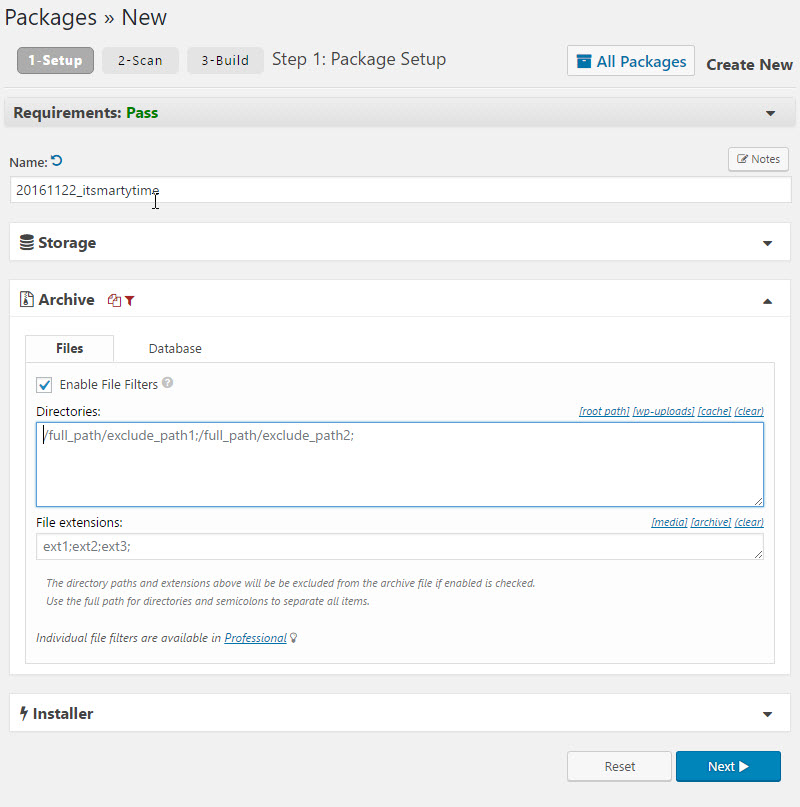
Duplicator is one of the most popular WordPress plugins for downloading, migrating, and cloning websites. It simplifies the process of moving a WordPress site from one host to another or creating a local backup. Duplicator is especially useful for developers and site owners who need a reliable way to duplicate their sites without technical hassles. The plugin creates a package that includes all your WordPress files, databases, plugins, themes, and content, which can then be easily restored on another server. It’s a go-to solution for those who want a seamless migration experience with minimal downtime. Duplicator is also great for creating staging environments or testing new features before pushing them live.
- One-Click Backup: Create complete backups of your WordPress site with just one click, including all files, databases, and settings.
- Easy Migration: Move your site to a new host or domain effortlessly with the built-in migration tool, which handles all the technical details.
- Scheduled Backups: Set up automatic backups on a schedule to ensure your site is always protected without manual intervention.
- Cloud Storage Integration: Store your backups directly on cloud services like Dropbox, Google Drive, Amazon S3, and more for added security.
- Pre-Configured Installer: The plugin includes an installer script that simplifies the process of restoring your site on a new server.
2. All-in-One WP Migration
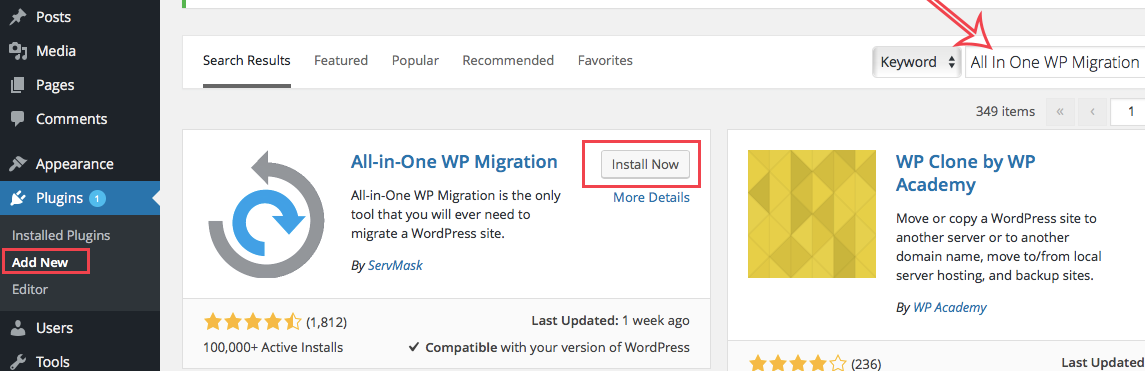
All-in-One WP Migration is a powerful and user-friendly plugin designed to help you export your entire WordPress site, including the database, media files, plugins, and themes. It’s perfect for users who need a straightforward way to move their site to a new host or create backups. The plugin is known for its simplicity and efficiency, making it a favorite among beginners and professionals alike. One of its standout features is the ability to bypass common server limitations, such as upload size restrictions, by splitting large files into smaller chunks. This ensures a smooth migration process regardless of your hosting environment. All-in-One WP Migration also supports a wide range of cloud storage options, making it easy to store and access your backups from anywhere.
- Drag-and-Drop Import: Easily import your site by dragging and dropping the backup file into the plugin interface.
- No Technical Knowledge Required: The plugin is designed to be user-friendly, so you don’t need any coding or technical skills to use it.
- Unlimited File Size Support: Bypass server upload limits by splitting large files into smaller, manageable parts during export and import.
- Multi-Site Support: Compatible with WordPress multi-site installations, allowing you to migrate or back up entire networks.
- Wide Range of Extensions: Enhance functionality with premium extensions for cloud storage, URL replacement, and more.
3. UpdraftPlus
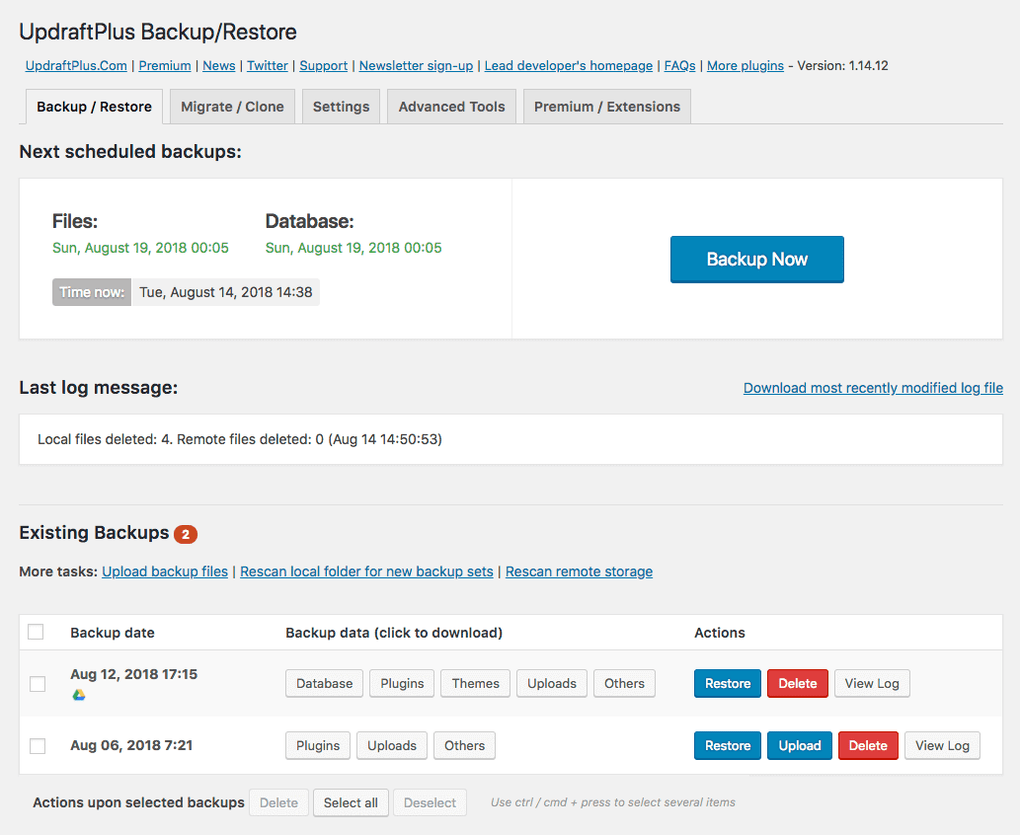
UpdraftPlus is a comprehensive backup and restoration plugin for WordPress that makes it easy to download and store your site’s data securely. It’s one of the most trusted plugins in the WordPress community, with over 3 million active installations. UpdraftPlus allows you to create complete backups of your site, including files, databases, plugins, and themes, and store them in the cloud or download them to your local machine. The plugin supports scheduled backups, so you can automate the process and ensure your site is always protected. It also offers a simple restoration process, making it ideal for users who need a reliable backup solution without the complexity. UpdraftPlus is particularly useful for site owners who want to safeguard their data against hacking, server crashes, or accidental deletions.
- Automated Backups: Set up automatic backups on a schedule that suits your needs, whether daily, weekly, or monthly.
- Multiple Storage Options: Store your backups in popular cloud services like Google Drive, Dropbox, Amazon S3, and more.
- Incremental Backups: Save storage space and reduce server load by only backing up changes since the last backup.
- Easy Restoration: Restore your site with just a few clicks, even if you’re not technically inclined.
- Site Cloning and Migration: Use the premium version to clone or migrate your site to a new domain or host effortlessly.
4. WPvivid Backup Plugin
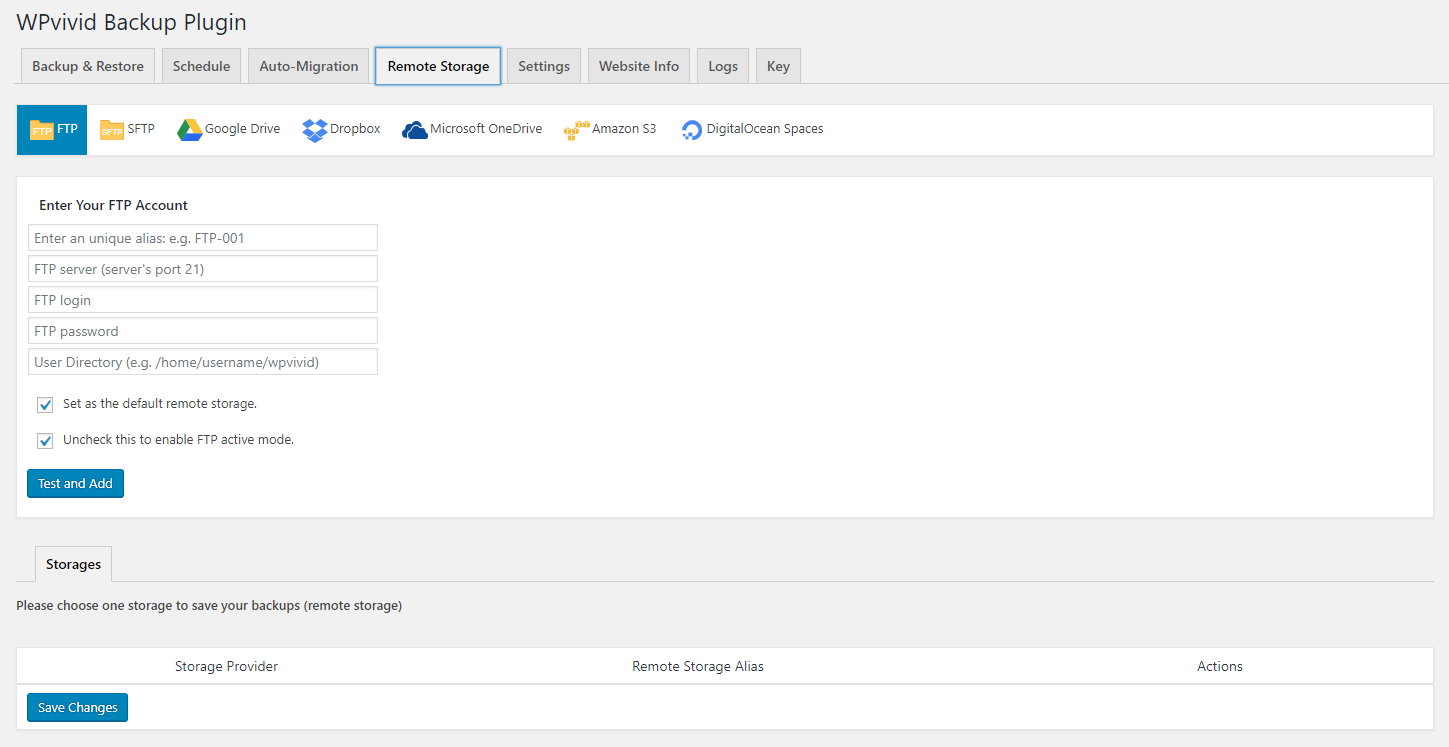
WPvivid Backup Plugin is a versatile tool that offers backup, migration, and staging capabilities for WordPress sites. It’s designed to be lightweight yet powerful, making it an excellent choice for users who need a reliable way to download and manage their site’s data. The plugin allows you to create full backups of your site, including files and databases, and store them locally or in the cloud. One of its standout features is the ability to create staging sites, which is perfect for testing updates or new features before going live. WPvivid also supports incremental backups, which help reduce server load and storage usage. Whether you’re a developer or a site owner, WPvivid provides a seamless experience for managing your WordPress site’s backups and migrations.
- One-Click Backup and Restore: Create and restore backups with a single click, making the process quick and hassle-free.
- Staging Environment: Create a staging site to test changes before pushing them to your live site, reducing the risk of errors.
- Incremental Backups: Only back up changes since the last backup, saving storage space and reducing server load.
- Cloud Storage Integration: Store backups in popular cloud services like Google Drive, Dropbox, Amazon S3, and more.
- Auto-Migration: Migrate your site to a new host or domain with minimal effort using the built-in migration tool.
5. BackupBuddy
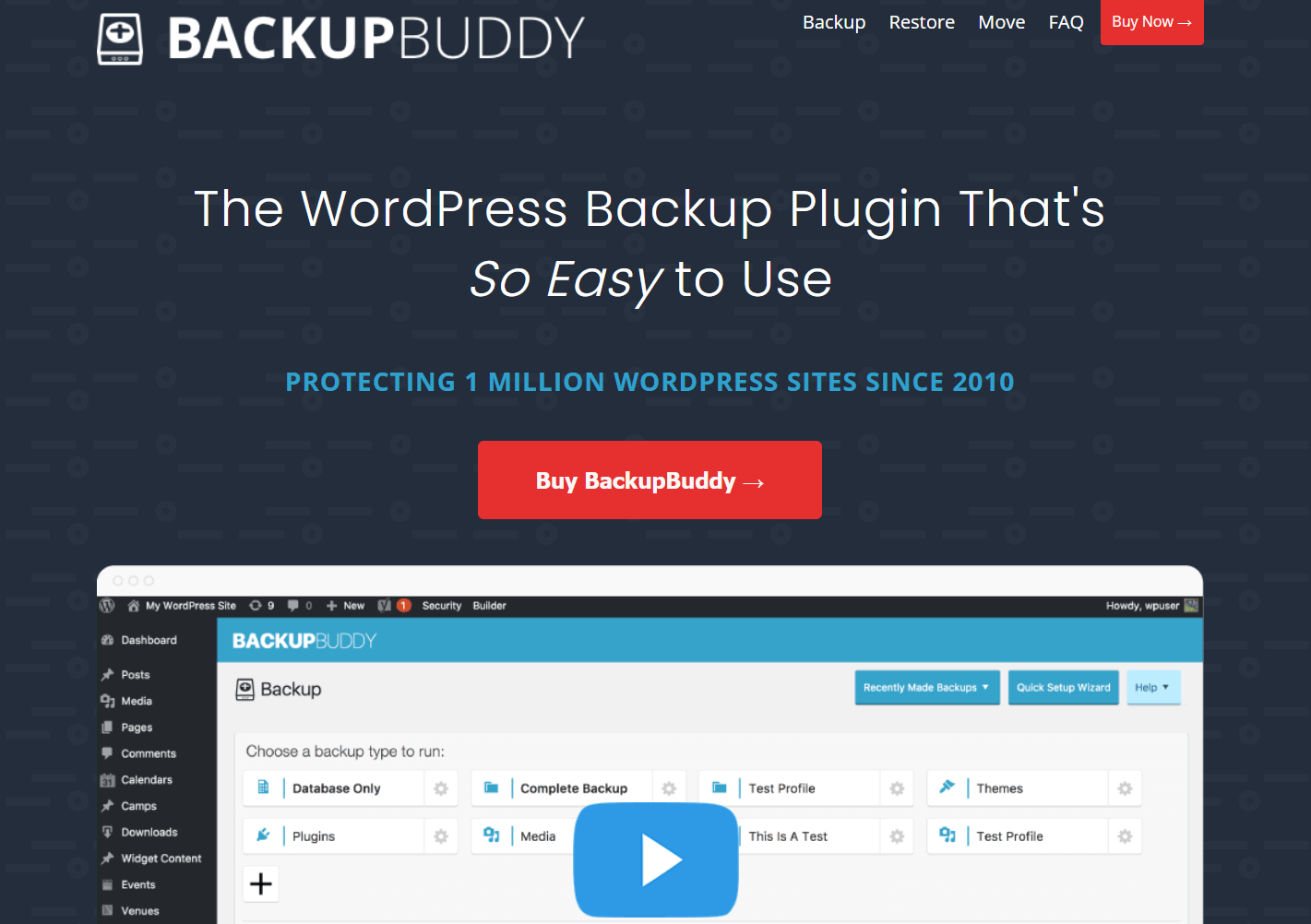
BackupBuddy is a premium WordPress backup plugin that offers a complete solution for downloading, storing, and restoring your site. It’s been a trusted tool in the WordPress community for over a decade, known for its reliability and ease of use. BackupBuddy allows you to create full backups of your site, including files, databases, and settings, and store them in multiple locations, such as cloud storage, email, or local storage. The plugin also includes a powerful migration tool that simplifies the process of moving your site to a new host or domain. One of its standout features is the ability to schedule automatic backups, ensuring your site is always protected without manual intervention. BackupBuddy is ideal for site owners who want a comprehensive backup solution with advanced features like malware scanning and database optimization.
- Complete Site Backups: Create backups of your entire site, including files, databases, plugins, themes, and settings.
- Scheduled Backups: Set up automatic backups on a schedule that fits your needs, whether daily, weekly, or monthly.
- Multiple Storage Options: Store backups in cloud services like Google Drive, Dropbox, Amazon S3, or even send them to your email.
- Easy Migration: Move your site to a new host or domain with the built-in migration tool, which handles all the technical details.
- Malware Scanning: Scan your site for malware and vulnerabilities to ensure your backups are clean and secure.
6. BlogVault
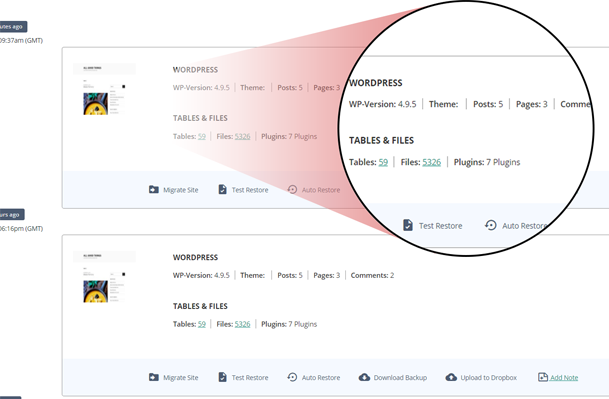
BlogVault is a premium WordPress backup and migration plugin that offers a cloud-based solution for managing your site’s data. Unlike traditional plugins that store backups on your server, BlogVault stores your backups on its own secure servers, ensuring they’re safe even if your site is compromised. The plugin provides real-time backups, which means your site’s data is backed up as soon as changes are made. This is particularly useful for e-commerce sites or blogs with frequent updates. BlogVault also includes a powerful migration tool that simplifies the process of moving your site to a new host or domain. Additionally, the plugin offers features like staging environments, malware scanning, and easy restoration, making it a comprehensive solution for site owners who prioritize security and reliability.
- Real-Time Backups: Back up your site in real-time, ensuring that every change is captured and stored securely.
- Cloud-Based Storage: Store backups on BlogVault’s secure servers, reducing the risk of data loss due to server issues.
- One-Click Migration: Migrate your site to a new host or domain with just one click, without any technical hassles.
- Staging Environment: Create a staging site to test updates or new features before pushing them live.
- Malware Scanning and Removal: Scan your site for malware and vulnerabilities, and remove threats to keep your site secure.
7. Migrate Guru
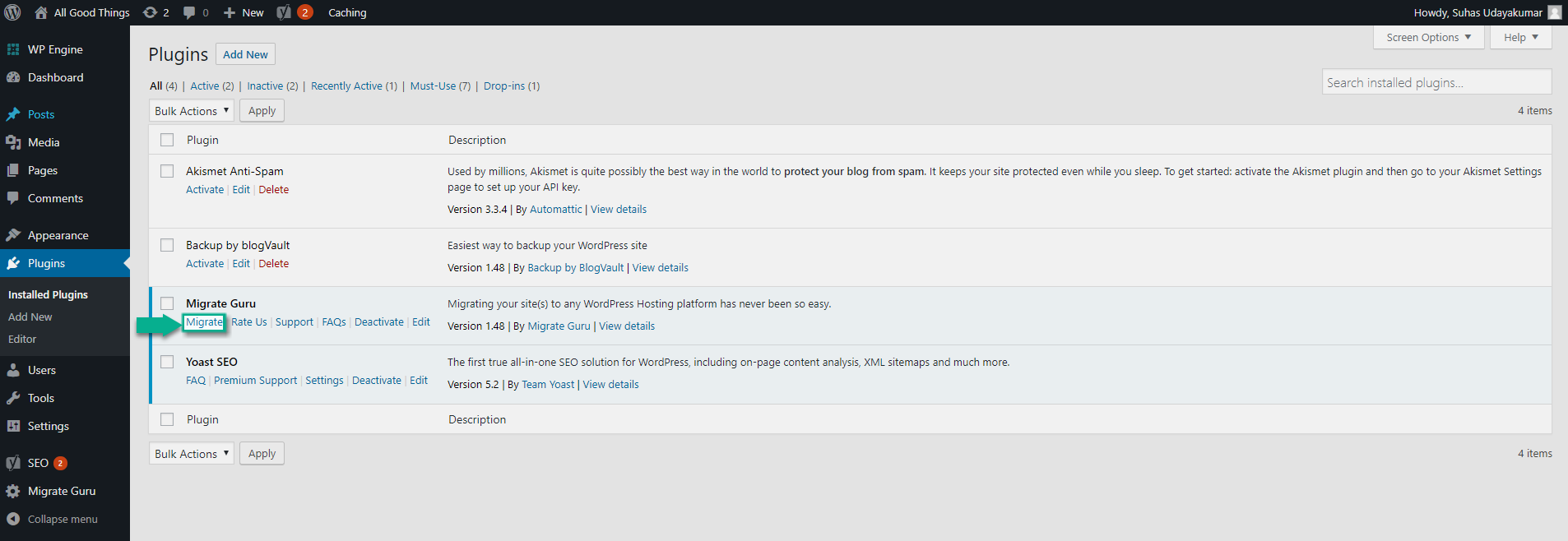
Migrate Guru is a free WordPress migration plugin that specializes in moving large sites quickly and efficiently. Unlike other plugins that require manual intervention, Migrate Guru automates the entire migration process, making it ideal for users who need to move their site without technical expertise. The plugin uses its own servers to handle the migration, which means it doesn’t rely on your hosting resources, reducing the risk of timeouts or errors. Migrate Guru supports migrations of sites up to 200 GB in size, making it one of the most powerful tools for large-scale migrations. It’s particularly useful for users who need to switch hosting providers or move their site to a new domain. The plugin is free to use and doesn’t require any premium extensions for basic functionality.
- Fully Automated Migration: Migrate your site with just a few clicks, as the plugin handles all the technical details automatically.
- No Server Overload: The migration process is handled by Migrate Guru’s servers, so it doesn’t consume your hosting resources.
- Supports Large Sites: Migrate sites up to 200 GB in size without any issues, making it ideal for large websites.
- No Technical Knowledge Required: The plugin is designed to be user-friendly, so you don’t need any coding or technical skills to use it.
- Free to Use: Migrate Guru is completely free and doesn’t require any premium extensions for basic functionality.
8. WP Clone by WP Academy

WP Clone by WP Academy is a free WordPress plugin that simplifies the process of cloning or migrating your site to a new host or domain. It’s designed to be lightweight and easy to use, making it a great choice for beginners who need a straightforward solution for site migration. The plugin creates a backup of your site’s files and database, which can then be restored on another server with just a few clicks. WP Clone is particularly useful for users who want to create a local copy of their site for testing or development purposes. Unlike some other plugins, WP Clone doesn’t require you to manually upload files or configure databases, making the process much simpler. It’s a great tool for users who need a quick and hassle-free way to move their site.
- One-Click Cloning: Clone your site with just one click, without the need for manual file uploads or database configurations.
- No Technical Skills Required: The plugin is designed to be user-friendly, so you don’t need any coding or technical knowledge to use it.
- Lightweight and Fast: WP Clone is lightweight and doesn’t consume excessive server resources, making it fast and efficient.
- Free to Use: The plugin is completely free and doesn’t require any premium extensions for basic functionality.
- Local Development Support: Create a local copy of your site for testing or development purposes without affecting your live site.
9. Jetpack Backup
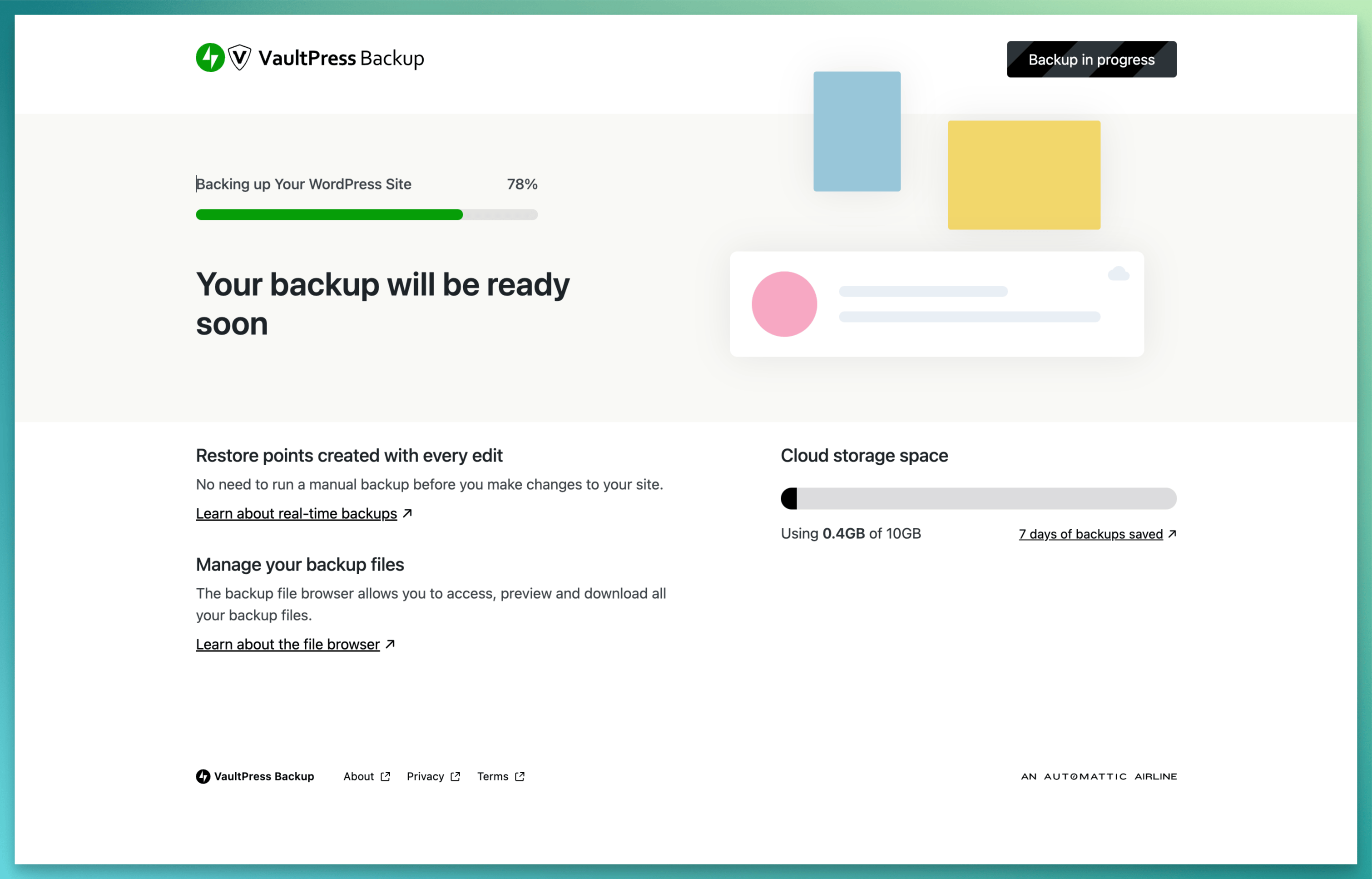
Jetpack Backup is a premium backup solution offered by Jetpack, a popular WordPress plugin suite. It provides real-time backups for your WordPress site, ensuring that every change is captured and stored securely. Jetpack Backup is particularly useful for site owners who want a hands-off approach to backups, as it automatically backs up your site whenever changes are made. The plugin also includes a one-click restoration feature, making it easy to recover your site in case of an emergency. Jetpack Backup is part of the Jetpack ecosystem, which means it integrates seamlessly with other Jetpack features like security scanning, performance optimization, and site stats. It’s a great choice for users who want a comprehensive solution for managing their WordPress site’s backups and security.
- Real-Time Backups: Back up your site in real-time, ensuring that every change is captured and stored securely.
- One-Click Restoration: Restore your site with just one click, making the process quick and hassle-free.
- Automated Backups: The plugin automatically backs up your site whenever changes are made, so you don’t have to worry about manual backups.
- Cloud-Based Storage: Store backups on Jetpack’s secure servers, reducing the risk of data loss due to server issues.
- Integration with Jetpack Suite: Seamlessly integrate with other Jetpack features like security scanning, performance optimization, and site stats.
10. BackupGuard
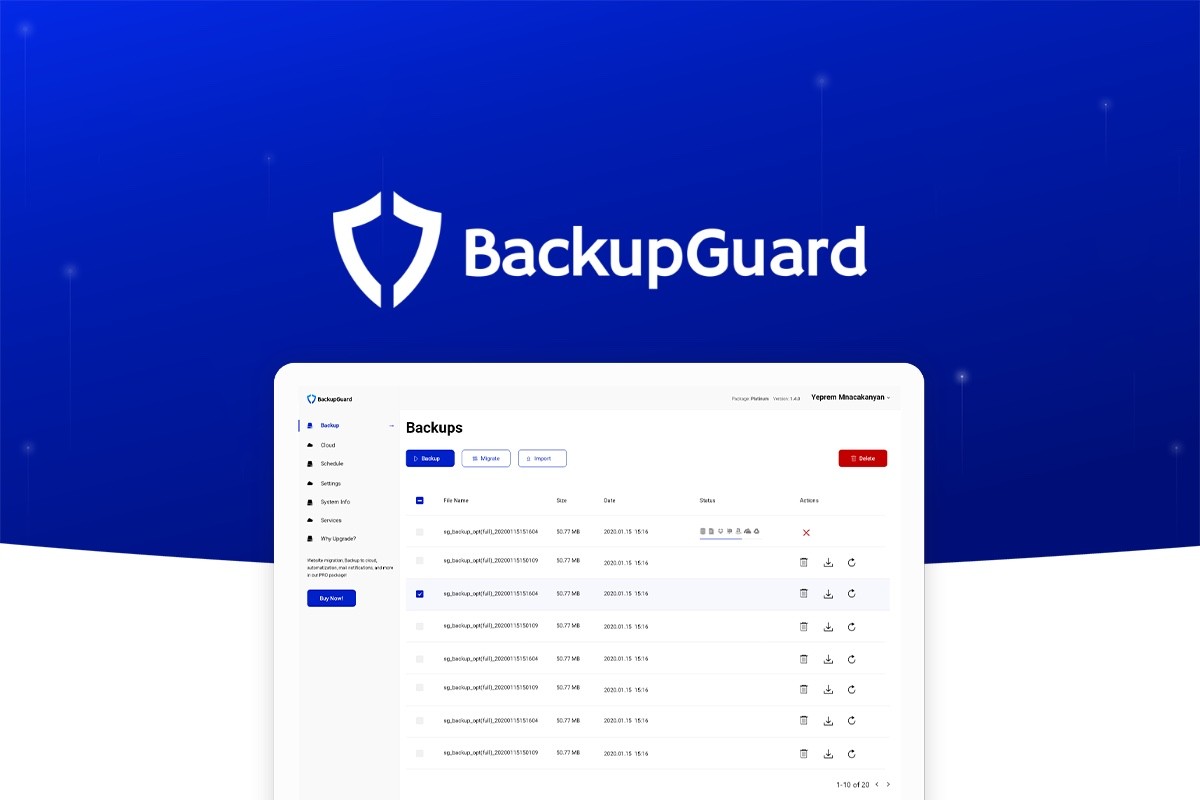
BackupGuard is a versatile WordPress plugin that offers backup, restoration, and migration capabilities. It’s designed to be user-friendly, making it a great choice for beginners and professionals alike. The plugin allows you to create full or partial backups of your site, including files, databases, plugins, and themes. You can store your backups locally or in the cloud, with support for popular services like Google Drive, Dropbox, and Amazon S3. BackupGuard also includes a powerful migration tool that simplifies the process of moving your site to a new host or domain. One of its standout features is the ability to schedule automatic backups, ensuring your site is always protected without manual intervention. The plugin also offers a staging environment, making it easy to test updates or new features before pushing them live.
- Full and Partial Backups: Create backups of your entire site or specific parts, such as files, databases, or plugins.
- Scheduled Backups: Set up automatic backups on a schedule that fits your needs, whether daily, weekly, or monthly.
- Cloud Storage Integration: Store backups in popular cloud services like Google Drive, Dropbox, Amazon S3, and more.
- Easy Migration: Move your site to a new host or domain with the built-in migration tool, which handles all the technical details.
- Staging Environment: Create a staging site to test updates or new features before pushing them to your live site.
Frequently Asked Questions
Why do I need a plugin to download my WordPress site?
Downloading your WordPress site manually can be complex and time-consuming, especially if you’re not familiar with FTP, databases, or server configurations. A plugin simplifies the process by automating backups, migrations, and restorations. It ensures that all your files, databases, plugins, and themes are included in the download, reducing the risk of errors or data loss. Plugins also offer features like scheduled backups, cloud storage integration, and one-click restorations, making it easier to manage your site’s data securely and efficiently.
Can I use these plugins to migrate my site to a new host?
Yes, most of the plugins listed in this article are designed to help you migrate your WordPress site to a new host or domain. Plugins like Duplicator, All-in-One WP Migration, and Migrate Guru specialize in site migration and make the process seamless. They handle all the technical details, such as transferring files, databases, and configurations, so you don’t have to worry about manual errors. Some plugins even offer features like real-time backups and staging environments to ensure a smooth transition.
Are these plugins safe to use?
Yes, the plugins listed in this article are safe to use and are widely trusted in the WordPress community. They are developed by reputable companies and have been tested extensively to ensure they don’t compromise your site’s security. However, it’s always a good practice to download plugins from official sources, such as the WordPress plugin repository or the plugin’s official website. Additionally, make sure to keep your plugins updated to the latest version to benefit from security patches and new features.
Do I need a premium plugin, or is a free one sufficient?
Whether you need a premium plugin depends on your specific needs. Free plugins like Duplicator, All-in-One WP Migration, and UpdraftPlus offer basic backup and migration features that are sufficient for most users. However, premium plugins often provide advanced features like real-time backups, cloud storage integration, malware scanning, and staging environments. If you run a large site, an e-commerce store, or a site with frequent updates, investing in a premium plugin may be worth it for the added security and convenience.
How often should I back up my WordPress site?
The frequency of your backups depends on how often your site is updated. If you run a blog or a static website with infrequent updates, weekly backups may be sufficient. However, if you run an e-commerce store, a membership site, or a site with frequent content updates, daily or even real-time backups are recommended. Many plugins allow you to schedule automatic backups, so you can set it and forget it. Regular backups ensure that you can quickly restore your site in case of data loss, hacking, or server issues.
Can I store my backups in the cloud?
Yes, most WordPress backup plugins support cloud storage integration, allowing you to store your backups in services like Google Drive, Dropbox, Amazon S3, and more. Storing backups in the cloud is a great way to ensure your data is safe even if your server crashes or your site is compromised. Cloud storage also makes it easy to access your backups from anywhere, which is particularly useful if you need to restore your site while traveling or working remotely.
What should I do if my site crashes during migration?
If your site crashes during migration, the first step is to stay calm and assess the situation. Most migration plugins create a backup of your site before starting the process, so you can restore your site to its previous state using the backup. If you don’t have a backup, check if your hosting provider offers a restore option from their server backups. If all else fails, you may need to manually restore your site using FTP and phpMyAdmin, but this requires technical knowledge. To avoid such issues, always test your site on a staging environment before migrating it to a live server.


